Set up a simple filter in your email provider and forward bank notification emails to Nura. It categorises every transaction with AI and surfaces insights — so you never have to open a spreadsheet again.
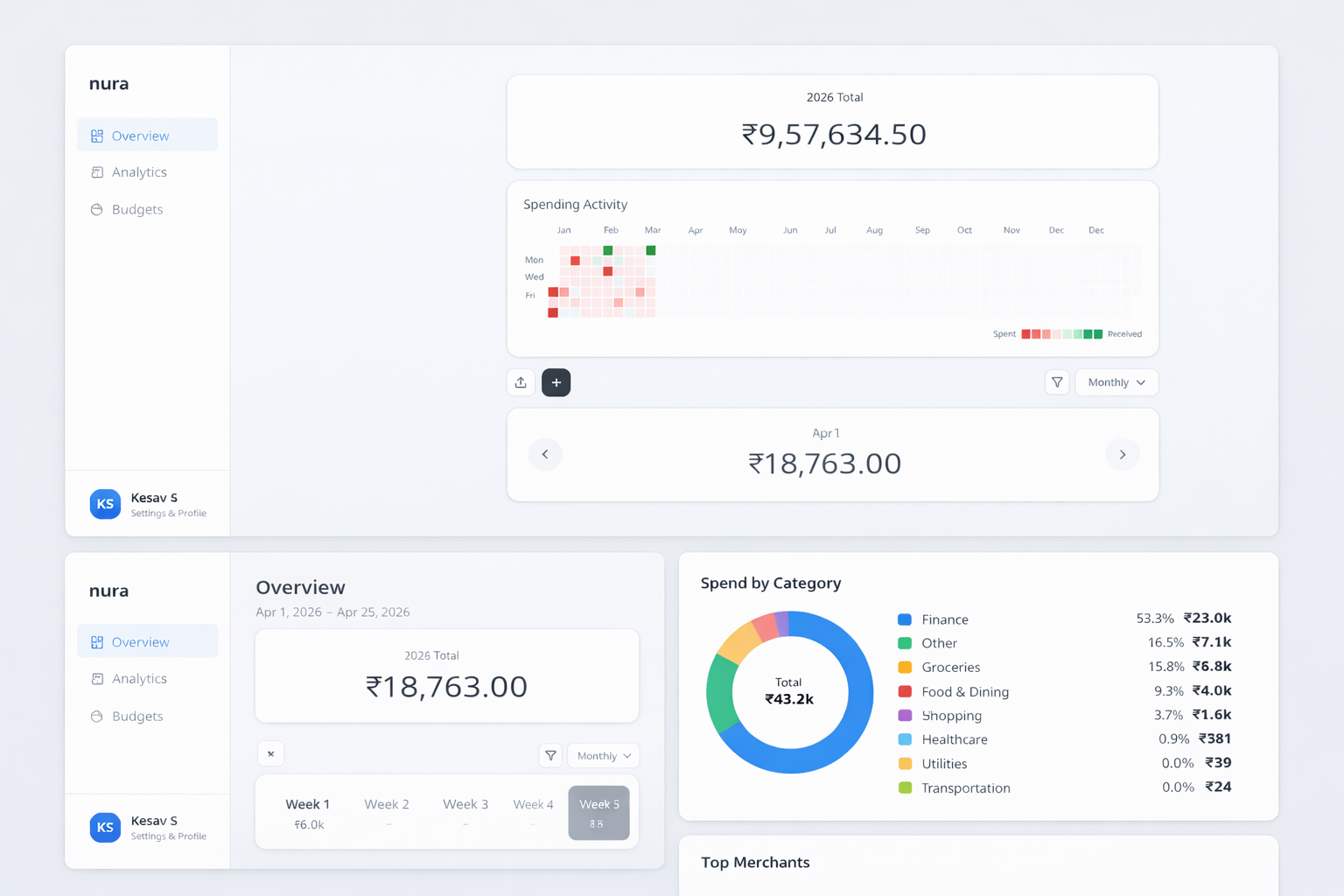
No manual data entry. No bank integrations to set up. Just add a filter in your email provider and let Nura do the rest.
Add a filter in Gmail or Outlook to forward bank notification emails to Nura's ingestion address. Nura never connects to your email account — only the emails you choose to forward are processed.
Nura automatically assigns the right category to each transaction — Food, Transport, Shopping, Utilities, and more. You can correct any mistake in one tap.
Category breakdowns, monthly trend charts, top merchants, and payment mode analysis — all updated automatically as new transactions arrive.
Set monthly budgets per category. Nura checks every few hours and notifies you the moment you approach or exceed a limit.
Upload a PDF bank statement to import your transaction history. For future transactions, Nura picks them up automatically whenever your bank sends you an email notification.
HKD, SGD, MYR, THB, IDR, PHP, VND, INR, USD and more. Set your base currency and all totals are shown accordingly.
Sign up with your email and password. No credit card required.
In Gmail or Outlook, create a filter to forward bank notification emails to Nura's ingestion address. Nura never connects to your email account — you stay in full control.
Upload a PDF bank statement to import past transactions. Going forward, Nura picks up each transaction as soon as your bank sends you an email notification.
Set budgets, review analytics, and let Nura surface trends in your spending automatically.
Privacy-first design following GDPR, HK PDPO and Singapore PDPA principles. Read our Privacy Policy →
Join Nura, set up your email filter, and let AI handle your spending insights. No credit card required.
Create your free accountBy signing up, you agree to our Terms of Service and Privacy Policy.